With the Projects module you will have a report called the Project card which contains all transactions recorded against your project.
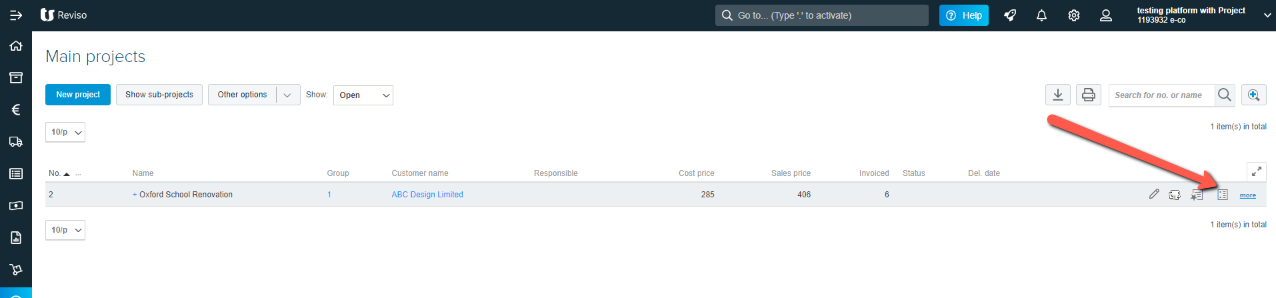
You can find this report within the Projects tab > Projects > locate the individual Project and click on the Project card icon to the right. Alternatively, should you wish to view all projects you can do this via the Report tab > Projects > Project card.
This report, Project entries, will be your control report to check all those operations that have been registered in your projects and, in the same way, those records that have been transferred directly to your accounting from the tasks carried out in your projects whether they are registered hours, costs or invoices to clients.