You can cancel your Reviso subscription at any time. There is no fixed membership period, so you can cancel your subscription whenever you need.
This short video takes you through the process:-
How do I cancel my subscription?
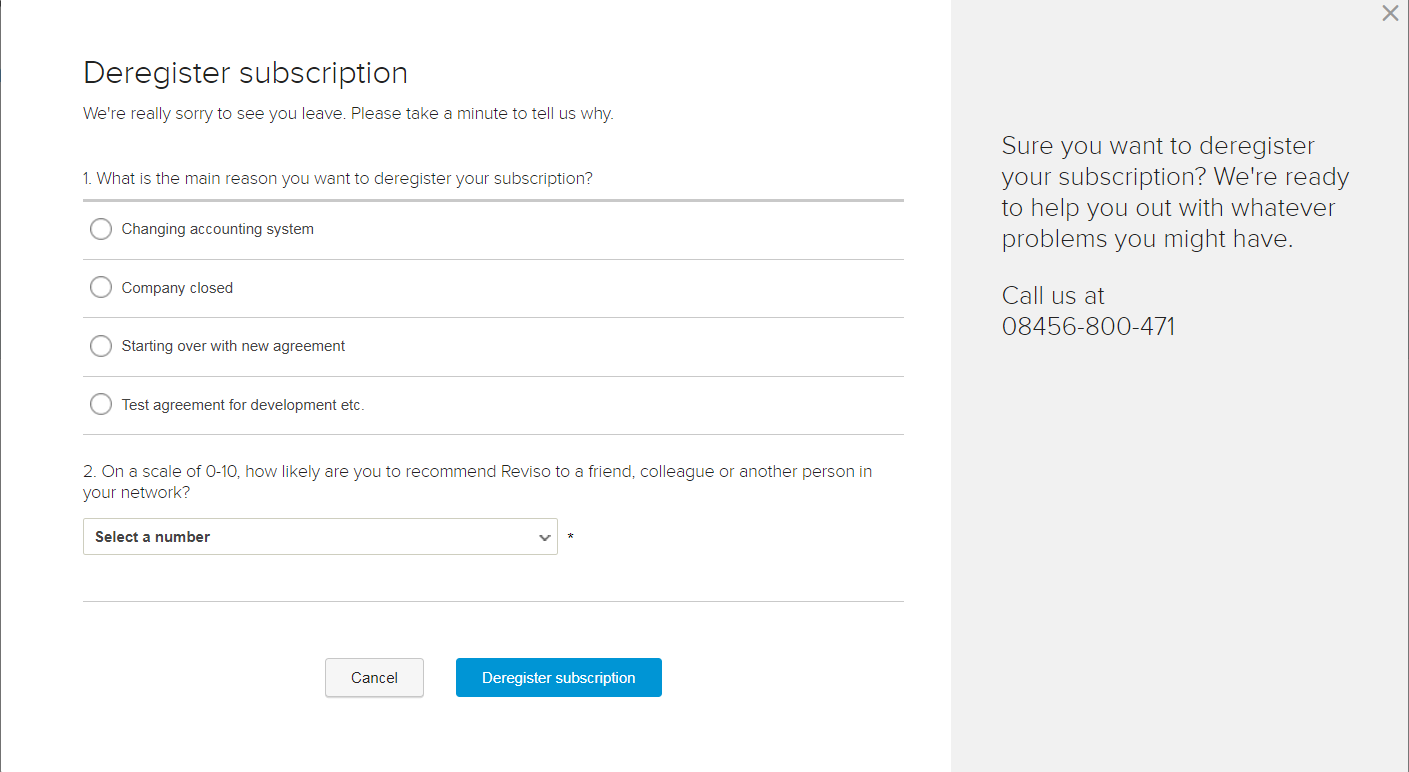
To unsubscribe you have to go to the Settings > All settings > Subscription > Subscription status. Then click on Other Options > Deregister subscription.
Once you decide to unsubscribe, we would kindly ask you to share your main reasons for leaving Reviso. We would be grateful if you could provide us with your ideas, so we can improve everything you consider to be lacking.
Once your subscription is cancelled, you still will be able to access your account until the end of the agreed subscription period finishes. We recommend you to export all the data from Reviso before managing the definitive cancellation of your account.